Receipt scanning
Turn a receipt into a reviewable expense in seconds.
Detail-oriented spending insights
Scan a receipt, understand every purchase, and see what is really shaping your spending.


How it works
Photograph a receipt or add an expense yourself.
Spendlit reads line items and organizes spending into useful categories.
Explore category and product insights to make your next shop more intentional.
Spendlit today
Turn a receipt into a reviewable expense in seconds.
Scan a receipt when you have one, or add an expense manually when that is faster — attach the receipt later if you change your mind.
Track expenses in multiple currencies, so every purchase fits into your spending picture.
Spendlit automatically organizes expenses into useful categories, giving you a clear view from the start.
Create and use your own categories to make your spending view match the way you think.
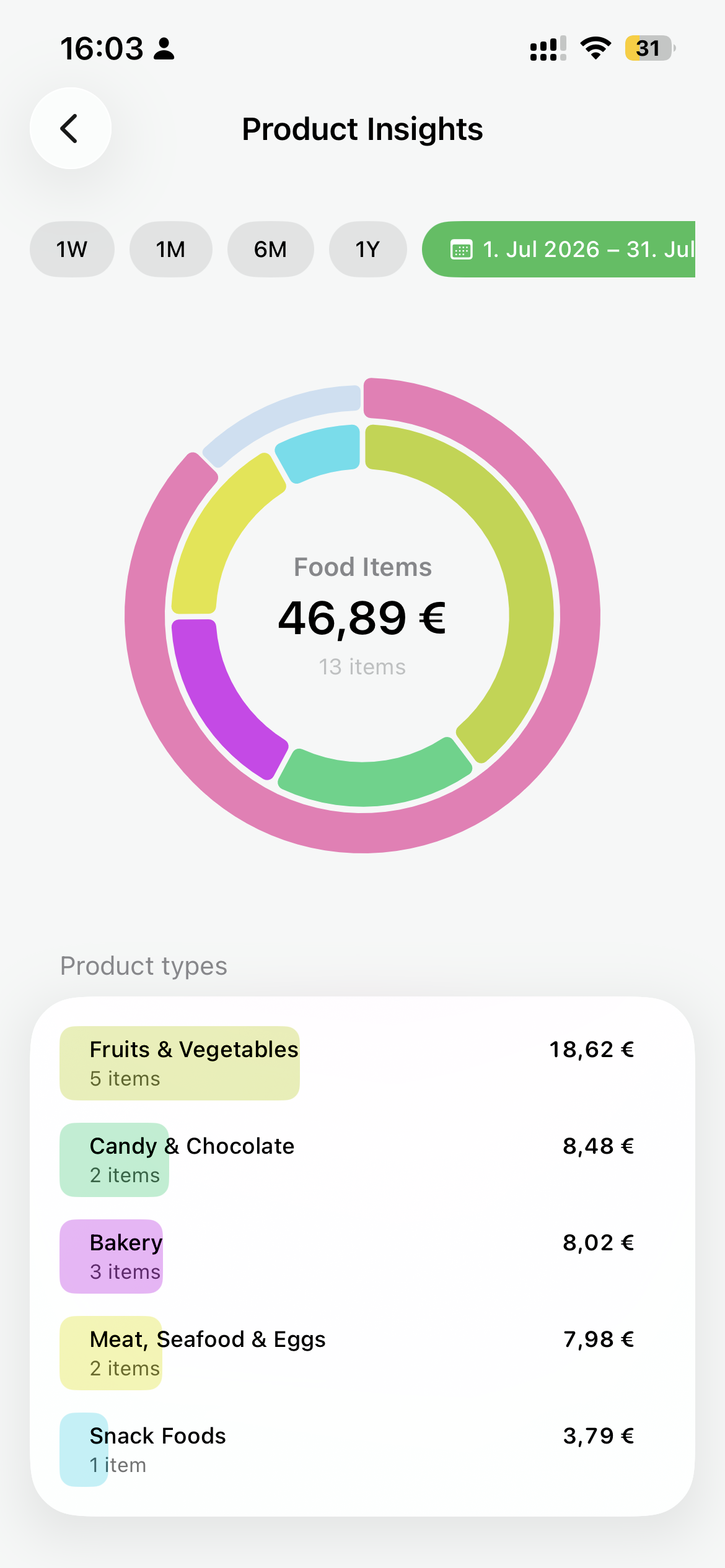
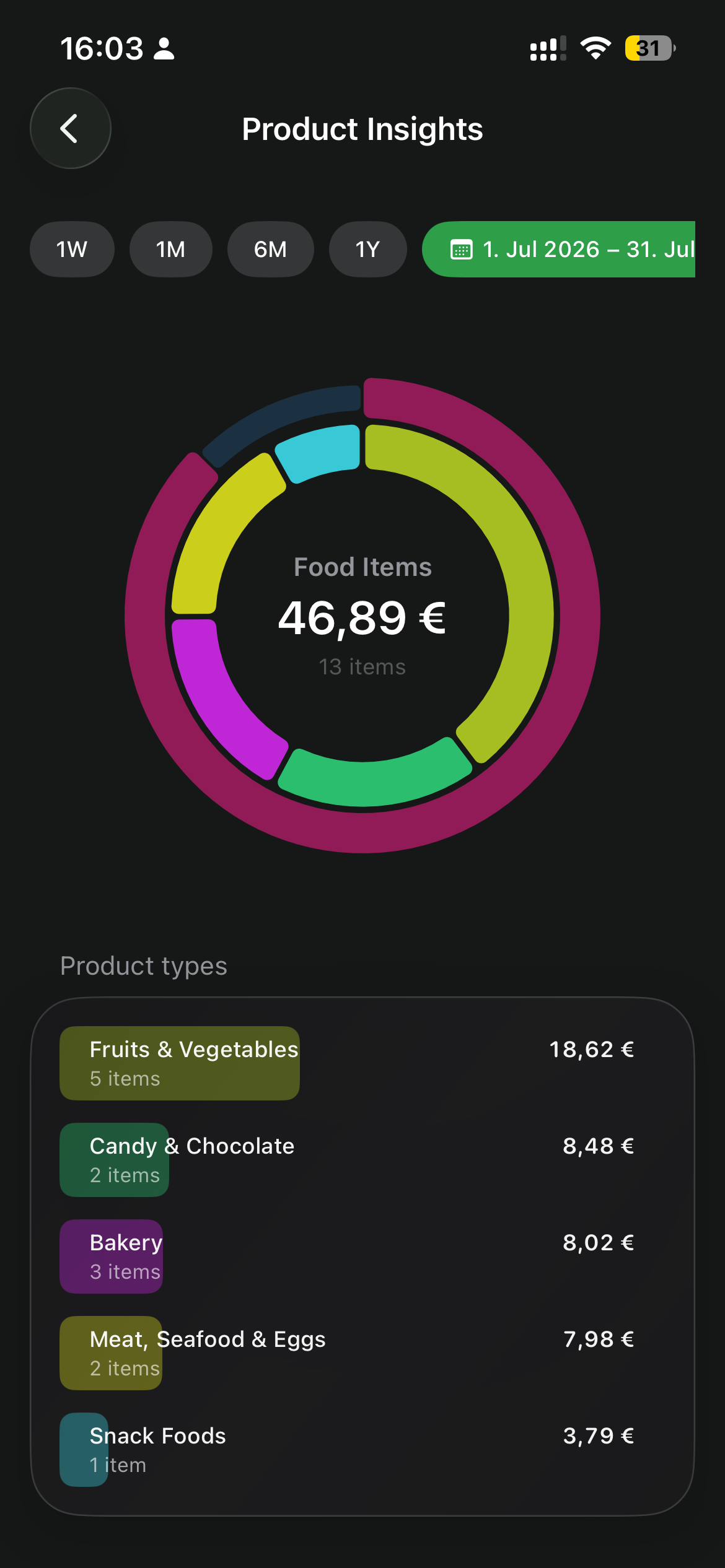
Spendlit categorizes individual receipt items by product type, so you can see what is really in every basket.
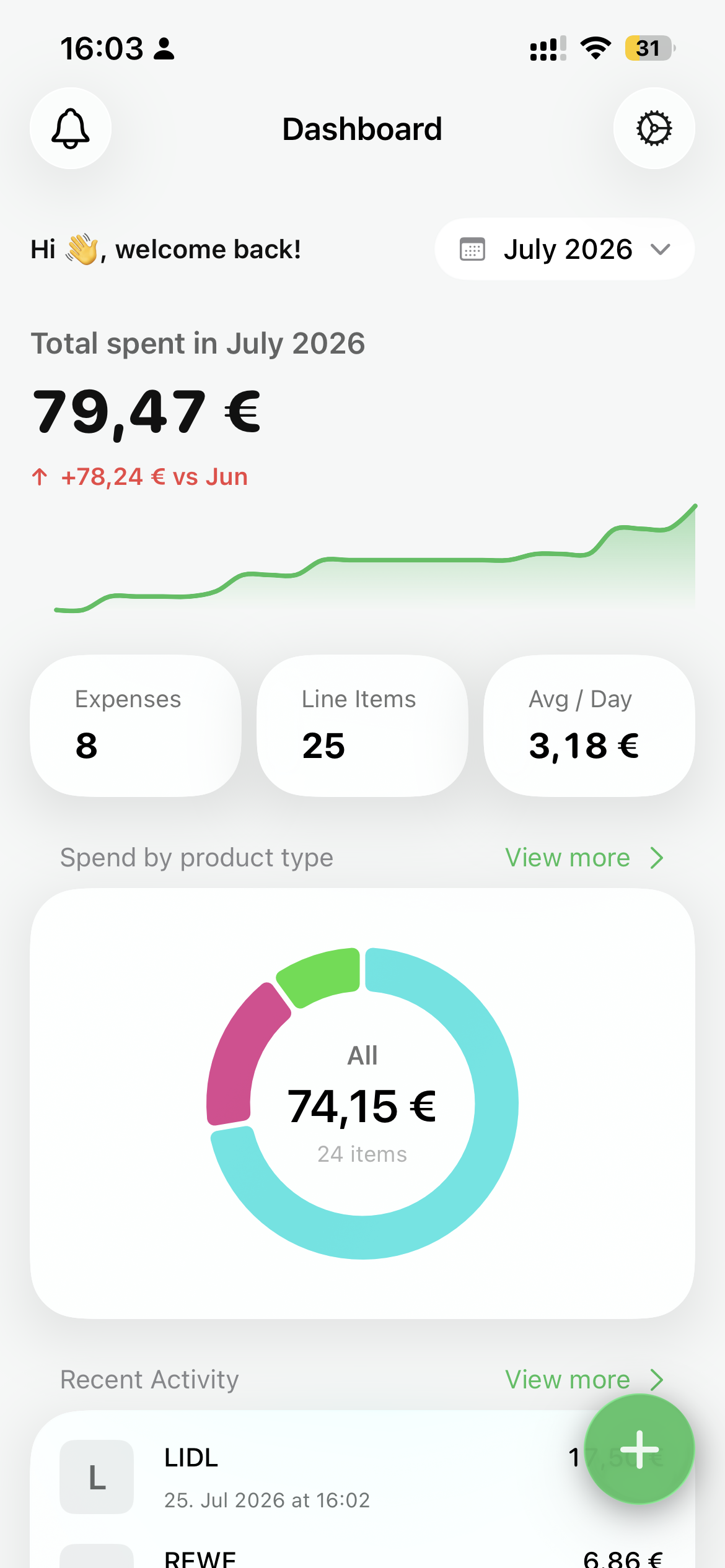
See your monthly spending, categories, and recent purchases at a glance.
Keep a pace that feels useful—not judgmental.
Product insights
Move from your monthly total to the products and categories that make up each shopping trip.
Where it is going
Spendlit starts by making everyday spending visible. Over time, it is becoming a calmer intelligence layer for the groceries you buy: the products, prices, and patterns behind every basket.
FAQ
Spendlit is an iPhone app for understanding spending from receipts and manually added expenses.
No. You can photograph receipts for automatic extraction, or add an expense yourself when that is faster.
The app is available in English, German, and French.
Download Spendlit and turn your next receipt into clarity.